Clean inconsistent data
Trim whitespace, normalize text, phone, number, and date formats, fill blanks, and remove duplicate rows.
Tablyra cleans, combines, formats, and validates Excel and CSV files on your computer. Natural language describes the goal, constrained actions perform the work, and a complete preview earns your trust.
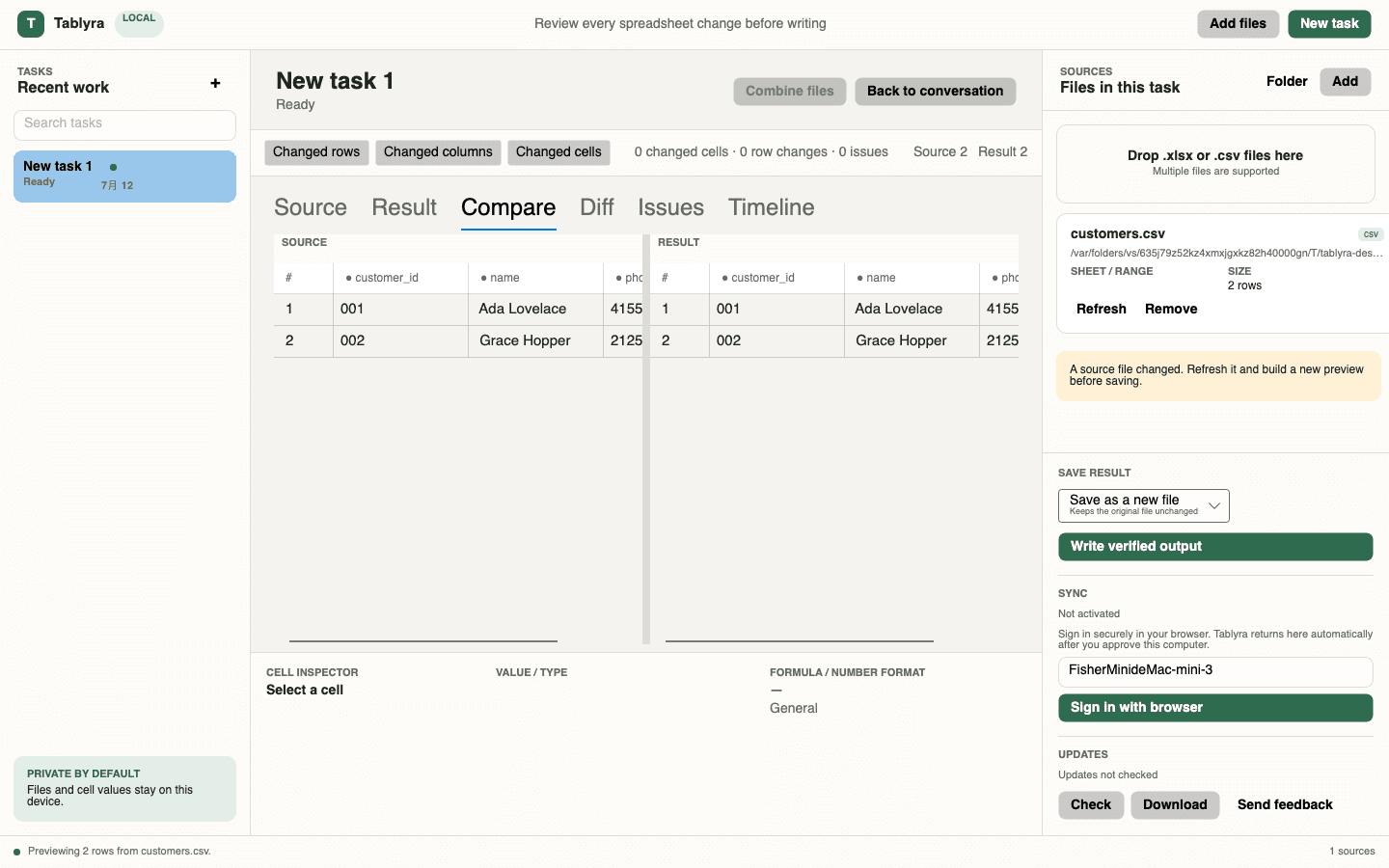
Tablyra is a local-first AI spreadsheet editor. Instead of turning a prompt into an invisible script, it produces reviewable, editable, replayable spreadsheet actions and shows the result, diff, and issues before writing a file.
Planning, execution, review, and output are separate stages. AI reasoning is never treated as permission to write a file.
Choose XLSX, XLSM, or CSV files. Desktop inspects schema, sheets, and features that may affect safe output.
Explain a cleaning, joining, formatting, or validation goal in English or Chinese.
Edit actions and parameters, compare source and result, and inspect changes and issues.
Create a new file, copy the workbook, or update the source after backup verification.
Trim whitespace, normalize text, phone, number, and date formats, fill blanks, and remove duplicate rows.
Join sources by explicit keys with duplicate, unmatched-row, and output-field policies you control.
Rename, select, reorder, and transform fields from supplier or operational exports into a target schema.
Check required, unique, date, number, email, phone, and allowed values and jump to exact issues.
Each message updates the same validated plan and preview instead of restarting the task.
Save a new file, copy the workbook, or update the source only after a verified backup.
Normalize names, email, phone, and dates, remove duplicates, and flag missing IDs.
See the workflow →Detailed guideJoin order and customer files by customer_id and inspect unmatched records.
See the workflow →Detailed guideConvert supplier files with different headers and order into one import template.
See the workflow →Detailed guideRun required, unique, and format checks before uploading to a CRM, ERP, or finance system.
See the workflow →This boundary lets Tablyra use AI to understand intent without handing the full workbook to a remote execution environment.
Read the security modelTablyra is a Windows and macOS desktop spreadsheet tool. It turns natural-language requests into constrained, editable actions and processes Excel and CSV files locally.
It does not upload the full file. Reading, transformation, preview, output, and backup happen in the desktop app. Planning uses only the schema and small samples you approve.
Yes. Tablyra directly processes supported XLSX and CSV files. Excel or another compatible spreadsheet app is only needed if you want to open the finished file.
Yes. You choose the primary file, lookup file, matching keys, duplicate policy, missing-row policy, and output fields, then review unmatched results before saving.
No. Tablyra builds a local preview first and writes only after you choose an output. Updating the original requires an explicit choice and a verified backup.
Tablyra is free during beta and automated billing is not active. Personal and team pricing will be announced before paid plans launch.
Download the desktop app, open an Excel or CSV file locally, and build a reviewable result through conversation.